

You ask Alexa to show you the front door and nothing happens – or worse, it pulls up the wrong camera, freezes, or tells you the device is unavailable. Most security cameras claim smart home compatibility but treat Alexa as an afterthought, leaving you with a setup that technically works during initial pairing and then becomes unreliable the moment you actually want to use it hands-free.
Alexa security cameras are built to integrate properly, so you can pull up a live feed on your Echo Show, trigger recordings with a voice command, or check on a room without touching your phone. We went through the top models available right now to find cameras that hold that integration together reliably day to day.
If you want one recommendation for best Alexa security cameras, go with the Tapo C210 2K Pan/Tilt Indoor Camera 2-Pack. It covers kids, pets, and home rooms with a pan and tilt range that follows movement rather than staring at one fixed angle, so you get full room visibility without mounting a camera in every corner. Have a look at the rest of our picks below and find the one that fits your needs.
Our Top Picks

TP-Link Tapo C100 Indoor Camera: Monitor Babies, Pets and Home Interiors
Pros
- Clear video captures details like toys or pet movements inside rooms
- Motion zones cut alerts from irrelevant areas like fans or hallways
- Two-way audio lets you speak to family or pets from anywhere
- Simple app setup works for multiple rooms at once
- Night vision ensures full room coverage without lights
Cons
- Needs a power outlet nearby since it plugs in directly
- MicroSD card sold separately and requires compatibility check
- Fixed lens position limits coverage to one static view per spot
The TP-Link Tapo C100 serves as a straightforward indoor camera for everyday home monitoring, such as keeping watch over a nursery or living room where kids play or pets roam. Its 1080p video delivers sharp enough images to see what a child holds or if a dog chews furniture, while motion detection with customizable zones sends phone alerts only for activity that counts, ignoring drafts from doors or shadows from outside lights. This setup gives homeowners quick awareness without constant checking.
At night, the 30-foot night vision fills rooms with clear black-and-white views, ideal for spotting movement in a dark bedroom or hallway without waking anyone. Two-way audio allows direct talk to soothe a fussy baby or scare off a prowler, adding a layer of control from your phone. The built-in siren provides an extra deterrent for unexpected indoor intrusions.
Integration with voice assistants pulls the live feed to larger screens like Echo Show devices, making it easier to glance at the front entryway or pet zone during family time. Local storage on a microSD card keeps recordings handy without ongoing costs, though cloud options add playback scheduling for busy routines. Overall, it addresses common indoor blind spots reliably for renters and owners alike.
For homes with multiple areas to cover, the app supports viewing several cameras together, helping track kids across rooms or ensure pets stay safe throughout the house. This practical approach fits standard Wi-Fi setups without complications.
Position the Tapo C100 in spots with a clear view of key indoor areas like nurseries or living rooms, ensuring it points toward activity zones such as cribs or pet beds. Keep it 6-10 feet high to avoid tampering and cover up to 117 degrees of space effectively.
- Nursery or kid's room: Mount near ceiling facing crib for full night coverage.
- Living room: Angle toward couch or entry to watch pets or guests.
- Kitchen: Place overlooking play area but away from steam or direct water.
- Avoid direct sunlight or heat sources to prevent glare or overheating.
- Needs power outlet within cord reach; use extension if needed securely.
Record footage locally with a microSD card up to 512GB for continuous saving without subscriptions, perfect for reviewing baby sleep patterns or pet behavior over days. Cloud storage via Tapo Care adds 30-day history and extras like scheduled checks.
- Local microSD: No fees, holds hours of video; check TP-Link site for compatible cards.
- Cloud subscription: Enables clip sharing and auto-saves on motion for easy access.
- App playback lets you scrub timelines or view multiple cameras side-by-side.
- Set recording schedules to capture only evenings or specific hours.

Pros
- Pan and tilt covers entire rooms, reducing blind spots for better monitoring of play areas or pet zones
- Motion and person detection cuts down on unnecessary alerts from everyday home activity
- Clear night vision up to 30 feet lets you see details in dark bedrooms or hallways
- Two-way audio works well for quick check-ins with kids or calming pets remotely
- Device sharing allows both parents to view feeds without extra setup
Cons
- Power cord requires an outlet nearby, limiting placement in larger rooms without extension
- MicroSD card for local storage sold separately, adding to initial setup cost
- Indoor use only, so it won't cover garages or patios exposed to weather
This two-pack of Tapo C210 cameras provides straightforward indoor monitoring for everyday home needs. Place one in the nursery to watch over sleeping kids with cry detection that sends phone alerts, so you know right away if they stir. The pan and tilt movement follows activity across the room, keeping pets or toddlers in view without you needing to adjust manually.
In living areas or near entry doors, the motion tracking catches movement like a package being dropped off inside or someone entering, notifying you instantly to check your phone feed. Night vision ensures you see clear details up to 30 feet away, even in pitch-black hallways, giving peace of mind after dark. Two-way audio lets you speak to family members or use the siren to deter anyone suspicious.
Setup connects quickly to your phone app, and you can share access with a spouse for joint viewing of kids in playrooms or pets in kitchens. Local storage on a microSD card keeps recordings without fees, though cloud options add scheduled checks or clip saves. Overall, these cameras fit well for renters or homeowners wanting reliable room coverage without complexity.
For multi-room setups, view up to four feeds at once, making it practical to oversee the whole house from one screen. The focus stays on real alerts that matter, like distinguishing pet play from actual entry, reducing phone buzz from minor motions.
Position these cameras high on walls or shelves in key indoor spots for best coverage. Aim for corners to maximize the 360-degree pan and tilt range over rooms like nurseries or living areas.
- Nursery: Mount 6-8 feet up, facing crib for cry detection and night views.
- Living room: Corner shelf overlooking play space and entry door.
- Kitchen/hallway: Near outlets to watch pets or deliveries without cord stretch.
- Avoid direct light sources to prevent glare on night vision.
Keep within 30 feet of activity for sharp tracking, and test pan/tilt via app before final spot.
Record footage locally or via cloud to review home activity like kid play or pet movements. No subscription needed for basics, but extras enhance usability.
- Local storage: Up to 512GB microSD card (not included) for continuous recording; check TP-Link site for compatible cards.
- Cloud with Tapo Care: 30-day history, auto-clip saves on motion, and sharing for family review.
- App playback: Search by date, schedule recordings, or save preset angles for quick checks.
- Supports up to 32 cameras for multi-room setups.
Schedule recordings for peak times, like after-school hours, to capture relevant events without full-time storage use.

LaView 4-Pack 1080P Indoor WiFi Cameras for Monitoring Pets, Kids and Home Entryways
Pros
- Clear 1080P video and night vision provide reliable views up to 33 feet in low light for indoor spaces
- Motion alerts and two-way audio let you respond quickly to activity around kids or pets
- App supports multiple cameras and sharing with family for whole-home coverage
- Free 30-day cloud trial plus SD card option keeps recordings safe without ongoing costs
- Compact design fits easily on shelves or walls in living areas
Cons
- Requires a nearby power outlet for each camera, limiting placement in large rooms
- Works only with 2.4GHz home WiFi networks, which may need router checks for compatibility
- 1080P resolution is solid for indoors but lacks zoom for detailed views from afar
These LaView indoor cameras deliver straightforward monitoring for everyday home situations like watching the living room where kids play or the kitchen during meal prep. The 1080P video captures clear details day or night, with night vision extending up to 33 feet to spot movement in dim hallways. Motion detection sends phone alerts right when activity starts, helping you check on pets knocking over plants without constant watching.
Two-way audio works cleanly for talking to family members or scaring off intruders near entry points, adding a layer of direct response. You access live feeds through the app from anywhere, supporting up to nine views at once for covering multiple rooms like a home office and bedrooms. Sharing with up to 20 people means relatives can peek in on elders or kids too, keeping everyone connected.
Storage options include a 30-day free cloud trial on secure US servers and SD cards up to 128GB for local recordings, so you hold onto clips of deliveries or pet antics without worry. While wired power keeps them running steadily, placement stays practical near outlets in common areas. Overall, this four-pack suits homeowners needing reliable indoor eyes without complexity.
For renters or families in apartments, they mount simply and blend into spaces, providing peace of mind for daily routines like securing against package theft inside or monitoring playtime.
Position these cameras in high-traffic indoor spots for maximum coverage of home activities. Focus on areas like living rooms for kid-watching or kitchens for pet monitoring.
- Living room shelves or walls overlooking play areas and entryways
- Kitchen counters facing doors to catch deliveries or guests
- Hallways near bedrooms for night movement alerts
- Avoid direct sunlight or heat sources to maintain clear video
- Mount at eye level, about 6-8 feet high, for broad views without blind spots
Recordings stay accessible through cloud or local storage, fitting needs for reviewing home events like pet incidents or visitor arrivals.
- 30-day free US cloud trial on AWS servers encrypts clips securely
- MicroSD cards up to 128GB for continuous loop recording
- App playback from phone or web for easy review of motion events
- Share stored videos with family members directly
- No subscription needed after trial; SD handles ongoing needs
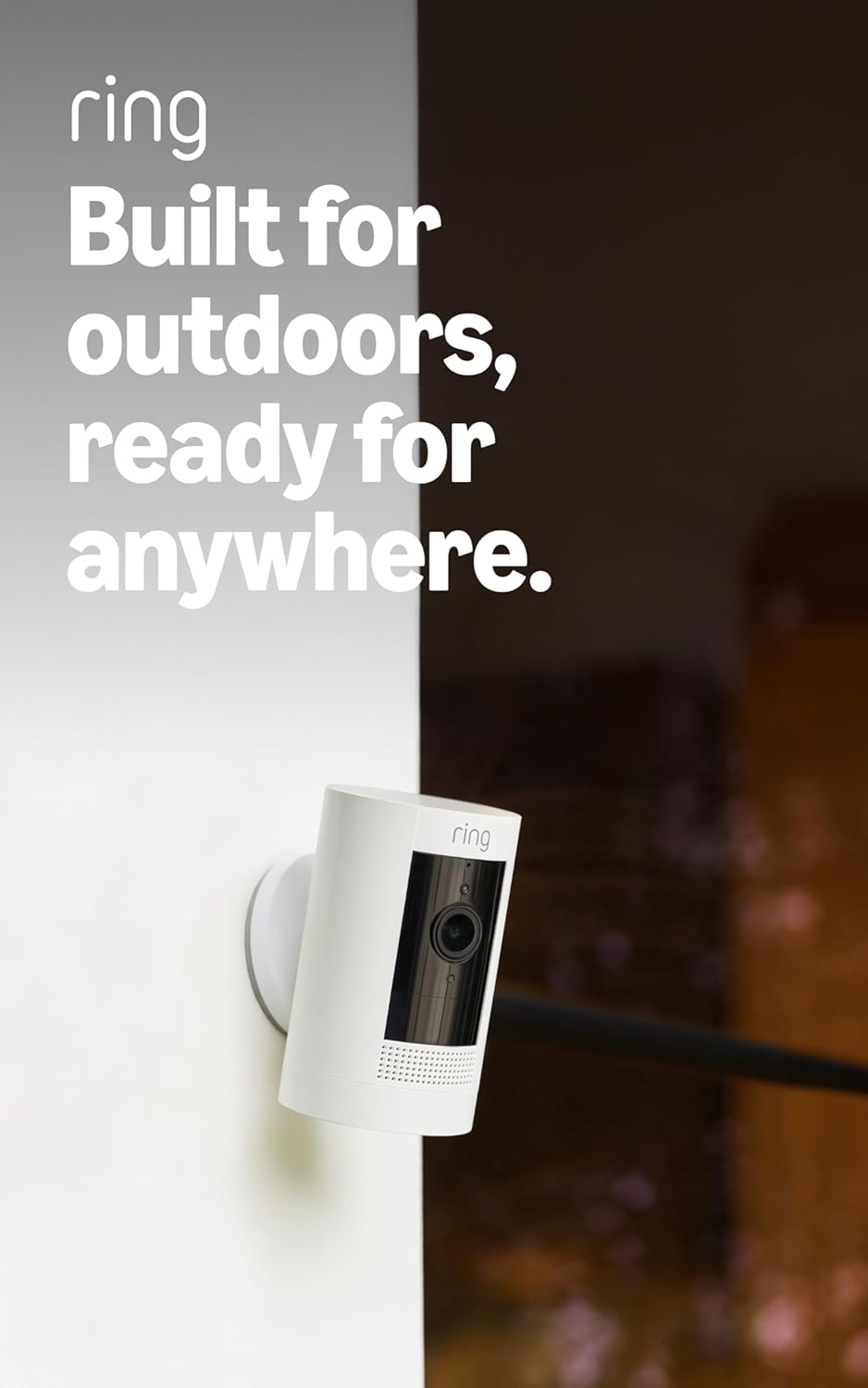
Ring Stick Up Cam Battery: Wireless Outdoor Camera for Porch and Backyard Monitoring
Pros
- Battery power allows quick setup in any outdoor spot without electrical outlets
- Versatile bracket fits flat surfaces or walls for easy aiming at key areas
- App delivers instant motion notifications to catch activity around the home
- Two-way talk helps deter intruders or communicate with delivery drivers
- Weather-resistant build holds up in rain or snow for reliable year-round use
Cons
- Battery needs recharging every few months, interrupting coverage during swap
- Advanced alerts and video history require a separate Ring Protect subscription
- Ceiling mounting needs an extra accessory purchased separately
This battery-powered Ring Outdoor Cam sets up fast for watching front porches or backyard gates. You get live video on your phone to check deliveries or visitors, plus motion alerts that notify you right away if someone approaches the driveway. The two-way talk lets you speak directly to anyone on camera, useful for telling a delivery person where to leave a package or warning off strangers.
Color night vision keeps details visible after dark, so you can tell a person from a pet near the side door without guesswork. Place it on a flat surface or wall-mount it to cover corners like a garage entry. For homes with kids playing outside, these features mean quick reassurance from anywhere, reducing the need to step out constantly.
Linking multiple units covers the whole property, from front doors to backyards. While basic motion detection works out of the box, fuller event review comes with a subscription. Overall, it delivers straightforward monitoring that fits everyday routines without complex wiring.
Alexa compatibility adds hands-free checks on Echo devices, handy for glancing at the porch while cooking. This camera prioritizes practical visibility over extras, making it a solid choice for basic outdoor security.
Position this camera to cover high-traffic spots like front porches or driveways for best results. Aim it 8-10 feet high to avoid tampering while capturing clear face views of visitors.
- Front door or porch: Catches deliveries and guests approaching the entrance.
- Backyard gate: Monitors access points where kids or pets might wander.
- Driveway edge: Spots cars pulling in or people walking up without blind spots.
- Garage side: Watches for activity near vehicles or tools.
Use the included bracket for walls or flat surfaces; test angles in the app before finalizing to ensure full coverage of key areas.
The rechargeable battery lasts several months on typical use, powering motion detection and live views without constant swaps. Recharge by removing the pack indoors every 3-6 months based on activity levels.
- Triggers like frequent motion near busy streets shorten battery life.
- Live View in low-traffic areas like backyards extends runtime up to 6 months.
- Quick-release design minimizes downtime during recharges.
Basic clips store in the app temporarily, but ongoing video history and smart alerts need a Ring Protect plan. No built-in storage means relying on the subscription for rewinding past events.

Pros
- Solar panel keeps cameras powered in sunny spots, reducing recharge needs
- Human detection cuts down on alerts from wind or animals, focusing on real threats
- 360-degree pan and tilt gives full coverage of yards or driveways without blind spots
- Clear color night vision improves visibility for nighttime checks on porches
- Light and siren alarms deter intruders spotted near entry points
Cons
- Works only with 2.4GHz WiFi networks, so check your router settings first
- Records short clips on motion only, no full-time video for constant monitoring
- SD card for local storage not included, requires separate purchase
These Cinnado solar-powered outdoor cameras deliver straightforward monitoring for common home areas like front porches and backyard gates. With clear 2K video and color night vision, you see details even after dark, whether checking a delivery or spotting someone near the driveway. The 360-degree pan and tilt lets you adjust the view remotely via app, covering more ground without multiple cameras.
Human detection focuses alerts on people, ignoring tree branches or passing cars, so your phone notifications stay relevant for situations like watching kids in the yard. Built-in two-way audio allows quick talks with visitors at the door, and alarms like lights or sirens activate to scare off intruders detected near the garage. Weatherproof design holds up in rain or snow, keeping coverage reliable year-round.
For renters or homeowners avoiding complex setups, these mount easily with provided stickers and screws, no wiring needed. Solar charging with battery backup means less hassle maintaining power, ideal for remote spots like side yards. Storage options keep footage accessible without ongoing fees, giving peace of mind for everyday property checks.
Overall, they suit basic outdoor vigilance, helping spot activity around entry points without overcomplicating things.
Position these cameras high on walls or eaves for optimal coverage of key areas like porches, gates, or driveways. Aim for spots with partial sun exposure to maximize solar panel efficiency.
- Mount 8-10 feet up overlooking the front door to watch deliveries and visitors.
- Place near backyard gates, angled to cover fences and paths.
- Avoid direct ground level to prevent tampering; use the pan-tilt feature for wide sweeps.
- Keep within WiFi range of your 2.4GHz router, testing signal strength first.
- Face away from bright streetlights to reduce glare in night vision.
Solar panel provides ongoing power in sunny conditions, with battery backup for cloudy days, supporting weeks or months between full recharges for areas like patios or garages.
- No subscriptions needed; use app for basic playback or add microSD card up to 128GB for local clips.
- Event-triggered recording saves battery by capturing only motion-detected video.
- Cloud trial for 30 days optional; access footage anytime via phone.
- Share views with family for remote checks on kids or property.

Pros
- Pans and tilts to follow movement, reducing missed events in busy rooms
- Records continuously to a MicroSD card with no monthly fees needed
- Sends phone alerts for motion or sound, helping catch activity quickly
- Works with voice commands on Alexa or Google for hands-free checks
- Provides clear night vision for round-the-clock room coverage
Cons
- Requires buying a MicroSD card separately for local recording
- Needs a nearby power outlet since it is wired
- Two-way audio is half-duplex, so only one side talks at a time
This indoor pan/tilt camera mounts on a shelf or table to give a full view of rooms like living areas or kitchens. It pans horizontally and tilts vertically to eliminate blind spots, so you see everything from entryways to play spaces. Motion tracking follows activity across the room, sending alerts to your phone when pets roam or kids move around, which cuts down on constant checking.
For night checks on the nursery or pet area, night vision reaches up to 30 feet for clear footage without lights disturbing sleep. Two-way audio lets you speak to family or calm a pet from afar, adding reassurance during daily routines. Patrol mode cycles through set views, covering spots like doorways and corners without manual adjustments.
Local storage on a MicroSD card keeps recordings secure at home, avoiding cloud dependency for basic needs. It integrates with smart home voices for quick live views, making it straightforward for monitoring indoor spaces where wired setups fit best. Overall, it delivers reliable coverage for everyday home protection without complications.
Homeowners use it to stay connected to indoor activity, whether watching deliveries in the foyer or ensuring quiet rooms stay secure overnight.
Position this camera centrally in rooms for best coverage of common indoor areas. Aim it to sweep entryways, living spaces, or kitchens where activity happens most.
- Mount on a bookshelf or table, 5-7 feet high, to overlook kids' play areas or pet zones without obstruction.
- Avoid direct sunlight or heat sources to prevent glare and overheating.
- Place near a power outlet since it needs constant wiring; extension cords work for flexibility.
- Test the view in the app to ensure 360-degree pan covers doorways and corners fully.
- For nurseries, angle toward cribs but out of reach to maintain safety.
Record footage locally without subscriptions using a MicroSD card up to 256GB, holding days of continuous video for reviewing home events.
- Insert card directly into camera for 24/7 recording of room activity like pet movements or door checks.
- Optional cloud plans add longer history and extras, but local setup avoids ongoing costs.
- App lets you view, download, or delete clips easily from phone for quick access to deliveries or family moments.
- Keep firmware updated via app for smooth storage performance and alert reliability.

Pros
- Batteries last up to two years, so you check them less often
- Quick setup in minutes without drilling or professional help
- Clear 1080p video works day or night for reliable viewing
- Motion detection sends fast phone alerts to catch activity early
- Two-way audio lets you speak directly to visitors or intruders
Cons
- Person detection requires a paid subscription plan
- Included module uses cloud storage only, no local option
- Battery life drops with frequent motion or cold weather
The Blink Outdoor 4 three-camera system gives homeowners a straightforward way to keep an eye on key areas like the front porch for package deliveries or the backyard gate for family safety. With wireless design and long-lasting batteries, you position cameras where needed without dealing with cords or outlets, ensuring steady coverage day and night. Motion detection picks up activity faster, sending alerts to your phone so you respond quickly to someone lingering by the driveway.
Night vision provides clear infrared views, helping you identify visitors or potential issues after dark without missing details. Two-way talk through the app lets you communicate directly, such as instructing a delivery person or deterring someone suspicious at your side yard. The included sync module connects everything simply, making it practical for renters or those avoiding complex installs.
For everyday protection, this setup covers multiple spots effectively, reducing blind areas around your property. While basic features work out of the box, added options like person alerts enhance reliability for busier homes. Overall, it delivers dependable monitoring that fits routine home defense needs without overcomplicating things.
Positioning the cameras strategically maximizes value, focusing on high-traffic zones to maintain peace of mind during daily routines or time away.
Choose spots with a clear view of entry points to get the most from your cameras. Focus on areas like porches, driveways or gates where motion matters most.
- Mount 8-10 feet high on porches or eaves to cover wide areas and avoid tampering.
- Angle toward doors or paths for deliveries and visitors.
- Space cameras to overlap backyard or side yard coverage without gaps.
- Avoid direct sun or trees that block views and trigger false alerts.
- Use included mounts for walls, gutters or poles securely.
Batteries power the system for up to two years under normal use, but check them seasonally in extreme weather. Storage relies on cloud with the included module.
- AA lithium batteries included; replace every 1-2 years based on motion frequency.
- Cold weather or heavy alerts shorten life, so test in your climate.
- Cloud storage needs a subscription after 30-day trial for clips.
- Add separate module for local USB or SD storage if preferred.
- App shows battery levels to plan swaps ahead.
Pros
- Quick plug-in setup gets you monitoring key indoor spots in minutes
- Custom motion zones cut down on unnecessary alerts from busy areas
- Two-way audio helps communicate directly with family or visitors
- Alexa integration allows hands-free checks on Echo devices
- Compact size fits easily on shelves or walls without cluttering spaces
Cons
- Requires nearby power outlet, limiting placement in some rooms
- Full video clip storage needs a paid subscription or extra Sync Module
- Depends on stable home wifi, which can cause delays if signal is weak
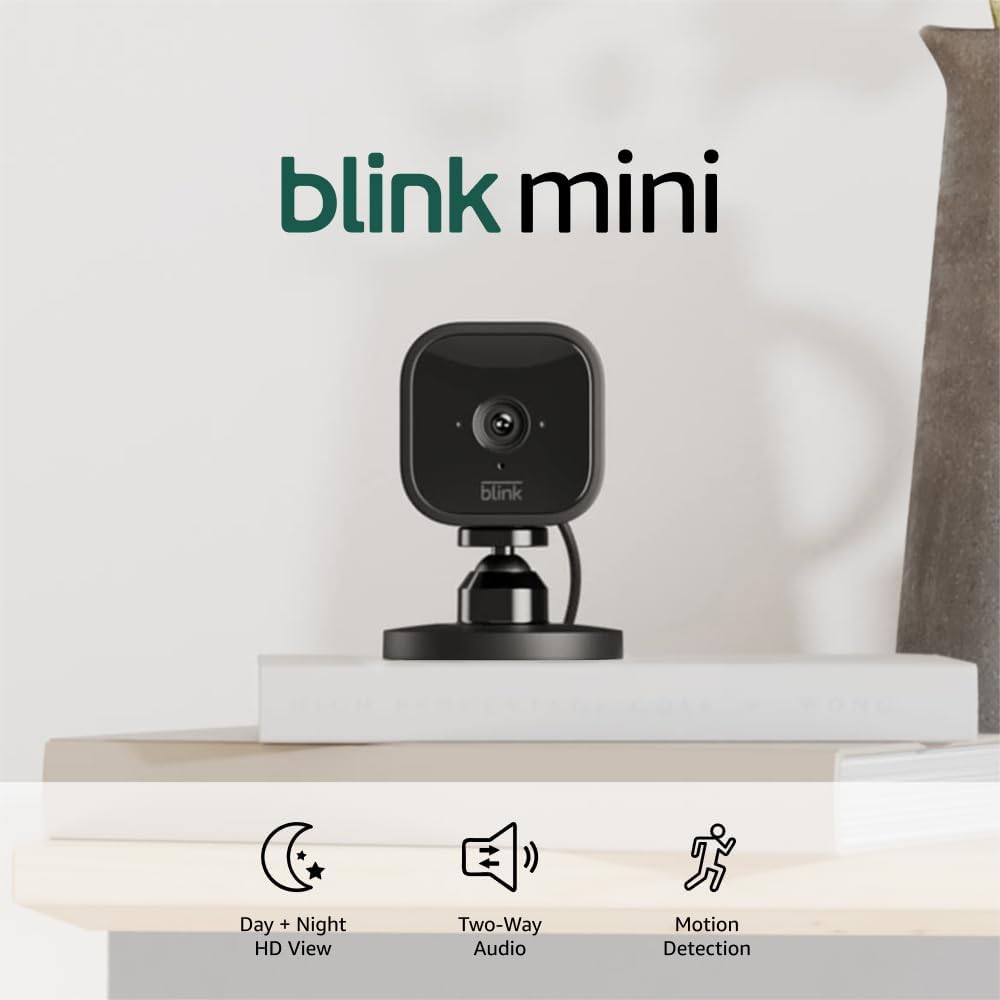
The Blink Mini cameras provide straightforward indoor monitoring for everyday home needs. Place one near your front door to spot deliveries or unexpected visitors, getting clear day and night video right on your phone. Motion detection sends alerts only for activity in areas you choose, like hallways or living rooms, so you avoid constant notifications from fans or passing cars outside windows.
Two-way audio lets you speak to kids in their rooms or calm a barking dog from afar, adding peace of mind during daily routines. For families, this means checking on sleeping children or talking to elderly relatives without interrupting your day. The simple app setup connects cameras to your phone fast, focusing on real visibility rather than complicated features.
Indoors, these cameras cover spots like kitchens for pet watching or basements for storage security. Night vision ensures you see details in low light, helping identify if it's a family member or something else moving around. Overall, they deliver reliable alerts and views tailored to protecting your home's interior without ongoing hassle.
When paired with a Blink doorbell, one camera acts as an indoor chime, so you hear the bell clearly from any room. This setup strengthens whole-home awareness, especially for monitoring entry points and shared spaces.
Position Blink Mini cameras in high-traffic indoor areas for best results. Aim for spots with steady wifi and power access to maintain clear views and reliable alerts.
- Front entryway: Overlooks doors to watch deliveries or guests approaching.
- Living or playroom: Monitors kids or pets during the day.
- Kitchen area: Keeps tabs on pets or family movements.
- Hallway or stairs: Catches motion between rooms for full coverage.
- Avoid direct windows to prevent outdoor glare; use included stands for flexible angles.
These plug-in cameras need a standard outlet nearby, with included adapters and cables for easy connection. No batteries mean constant power without recharging worries.
- Power needs: Simple USB plug-in; position within 6-foot cable reach.
- Storage options: Free trial for cloud clips, then subscription; or use Sync Module 2 (separate) for local USB storage.
- Live view always free; clips save motion events for review.
- Alerts work without storage plan, notifying your phone instantly.

Pros
- Pans and tilts remotely via app to scan entire yards or long driveways from one spot
- Clear 1080p video day and night helps identify visitors or vehicles at your property edge
- Person detection cuts down alerts from wind or animals around fences and trees
- Weather-resistant build holds up through rain and snow on exterior walls
- Physical privacy mode blocks the lens when not needed indoors or for neighbors
Cons
- Motion tracking lags on fast-moving objects like cars speeding past the house
- Shadows from trees or wind can trigger alerts and prevent return to home position
- Requires manual repositioning after power outages to reset patrol areas
The Tapo C500 mounts outside to watch over front porches, driveways, and backyard gates with its pan and tilt controls. You adjust the view from your phone to sweep across the whole area, catching delivery drop-offs or anyone approaching the house without gaps in coverage. Motion tracking follows walkers or pets through the yard, sending phone alerts so you check only real activity instead of scanning fixed views.
Night vision reaches up to 98 feet, making it straightforward to see details around sheds or fences after dark. Two-way audio lets you talk to package carriers at the door or warn off strangers near the garage. Custom sound alarms add deterrence for late-night loiterers, while person detection focuses alerts on humans rather than every leaf blowing by.
Footage saves to a microSD card up to 512GB for local review of daily events like kids playing outside or vehicles in the driveway. Physical privacy mode covers the lens when the camera points toward neighbor windows. It works with Alexa or Google Home voice commands to glance at the backyard from inside, fitting basic smart home routines without complexity.
Setup involves plugging in power and connecting to your home Wi-Fi for quick use on eaves or walls. The dome design resists water and holds position through storms, providing steady property oversight for everyday homeowners.
Position the Tapo C500 high on exterior walls or under eaves to maximize its 360-degree sweep over common vulnerable areas.
- Front porch or driveway entrance: Pans to cover approaching vehicles and walkers, tracking them from the street to the door.
- Backyard corners near gates: Tilts up and down to watch fences and play areas, eliminating side blind spots.
- Garage or shed sides: Rotates to monitor tool storage or entry points without needing multiple cameras.
- Avoid ground level: Mount at least 8-10 feet up to prevent tampering and get wider yard views.
Near power outlets and within Wi-Fi range, it handles most single-story homes effectively.
Motion features alert reliably for property checks but handle real conditions with these limits.
- Person detection: Spots humans near doors or yards accurately, skipping most animals or shadows for fewer phone pings.
- Tracking speed: Follows slow walkers across patios well but struggles with fast cars or erratic pets.
- SD card storage: Holds weeks of clips from busy driveways on 512GB; review events timeline without subscriptions.
- Cloud option: Paid Tapo Care backs up footage if power or card fails during outages.
App schedules alarms for nighttime gate watches, with two-way talk for direct response.
Buying Guide for Alexa Security Cameras
Alexa security cameras do more than stream footage, they plug into your broader smart home routine, letting you check rooms, trigger automations, and pull up live feeds without touching your phone. But the depth of that integration varies significantly from one camera to the next. Here are the key things to look at before you buy.
Depth of Alexa Integration
Saying a camera is Alexa compatible can mean anything from basic live view on an Echo Show to full two-way voice control with motion-triggered routines. Many cameras advertise compatibility but only support a single feature, usually live streaming, while locking everything else behind a proprietary app.
Before buying, check specifically whether the camera supports Alexa routines, two-way audio through Alexa, and motion-triggered announcements – not just live view. An Alexa compatible security camera that works deeply within the ecosystem will save you from the frustration of a half-functional smart home setup that requires you to open an app for anything beyond the basics.
Echo Show Streaming Quality
The resolution a camera streams to your Echo Show is not always the same as its native recording resolution. Some cameras downscale the feed for smart display streaming, which means you pay for 4K hardware but watch a blurry 1080p tile on your Echo Show every time you ask Alexa to show you the camera.
Look for cameras that maintain at least 2K quality during live streaming to a smart display. 2K security cameras represent a practical minimum for Echo Show viewing, since the display resolution on most Echo Show models is high enough that the difference between a sharp and a soft stream is immediately noticeable.
Indoor vs Outdoor Placement Needs
Alexa security cameras split sharply between models built for indoor monitoring and those designed to handle outdoor conditions, and the two are not interchangeable. An Alexa indoor security camera typically prioritises pan and tilt range and two-way audio for room monitoring, while an outdoor model needs weatherproofing and a wider field of view to be useful.
Decide where you are placing the camera before comparing specs, since mixing up the two categories leads to either a camera that deteriorates quickly outdoors or one that lacks the range and flexibility needed to monitor a full room from a single indoor mount. Battery-powered indoor security cameras are worth considering if you want placement flexibility without running cables to every room.
Motion Detection and Alexa Announcements
One of the most useful things an Alexa security camera can do is trigger an announcement on your Echo devices when motion is detected, effectively turning your speakers into a real-time alert system. But this only works reliably if the camera’s motion detection is accurate enough to avoid flooding your home with announcements every few minutes.
Look for cameras with person detection or AI-based filtering rather than basic pixel motion sensing, since false triggers become significantly more disruptive when they are announced out loud through every Echo in your house. AI security cameras with Alexa support handle this filtering before the announcement fires, which keeps the feature useful rather than something you turn off within a week.
Privacy Controls and Local Processing
Indoor Alexa cameras sit inside your home, which makes privacy controls more important than they are for outdoor models. A camera that continuously streams to the cloud with no local processing option means footage of your family’s daily routine is leaving your home network constantly.
Look for cameras that offer a physical privacy shutter or lens cover, and check whether the camera supports local storage as a fallback when cloud connectivity is unavailable. An Echo Show security camera that stores footage locally in addition to the cloud gives you more control over where your data goes and keeps recordings accessible even if the manufacturer changes their subscription terms down the road.
Getting these five things right before you decide will help you avoid the most common gaps between what Alexa integration promises and what it actually delivers at home. Once you know your placement needs, integration depth, and privacy requirements, the right camera becomes a straightforward choice.
Why You Should Trust Us
Our reviews at Safe Home Upgrade rely on deep research into manufacturer specs, independent certifications, and aggregated user data. We developed the SHU Score to rate objectively on build quality, safety standards like UL listings, and practical usability for U.S. homes, cross-referencing thousands of verified sources.
This data-driven approach ensures picks match everyday needs, from urban renters to suburban families, without bias toward brands or hype. We prioritize features that deliver consistent protection based on real specifications and performance benchmarks.
Final Thoughts
Picking the right Alexa security camera comes down to what you actually need it to do inside your smart home setup. If you just want to pull up a live feed on your Echo Show or check a room with a voice command, most options on this list will handle that without issue. Where it gets worth paying closer attention is pan and tilt range and whether the camera tracks movement automatically, since those features vary more than the Alexa compatibility itself across this category.
The Tapo C210 suits anyone who wants indoor coverage that actually follows what is happening in the room rather than capturing a fixed slice of it. The 2-Pack makes it practical to cover multiple rooms at once, and the 2K resolution means the footage is sharp enough to be genuinely useful when you check in.
FAQs
Do Alexa security cameras need a subscription?
No, many support local SD card storage for free continuous recording. Cloud backups add remote access but remain optional on models like Tapo. Use SD for basic driveway checks without monthly fees.
How do you set up Alexa security cameras with Echo?
Enable the camera skill in the Alexa app and discover devices for instant pairing. Most connect in minutes via Wi-Fi, showing live feeds on Echo Show screens. Test voice commands right after for porch or garage views.
Position cams high to avoid tampering, and adjust motion zones for your layout.
Can outdoor Alexa security cameras handle rain?
Yes, IP65-rated models withstand rain, snow, and temperatures from -4°F to 122°F. They mount easily on eaves for backyard coverage without wiring hassles. Battery backups ensure alerts during storms.
Is 1080p enough for home Alexa security cameras?
1080p suffices for most homes, capturing clear details up to 30 feet for doors and paths. Upgrade to 2K for zooming on packages or faces in larger yards. Night vision maintains quality in either. 5GHz Wi-Fi security cameras pair well if your router supports faster streams.
Do these cameras detect people only?
Person detection filters out animals and vehicles on supported models, reducing app clutter. PIR sensors add range up to 29 feet for porches. Fine-tune sensitivity for your street traffic.


Write Your Review
No reviews yet. Be the first to share your experience!