

Missing a doorbell ring because you are in the basement, have headphones on, or your phone is charging in another room defeats the purpose of having a video doorbell. The built-in chime on a Nest doorbell is only useful if you are close enough to hear it, leaving large homes, noisy rooms, and quiet hours uncovered.
A dedicated indoor chime solves this by giving your doorbell a louder, more reliable voice inside your home. We looked at the Best Chimes For Nest Doorbell to find models that pair easily with your existing setup and deliver alerts where you actually spend time.
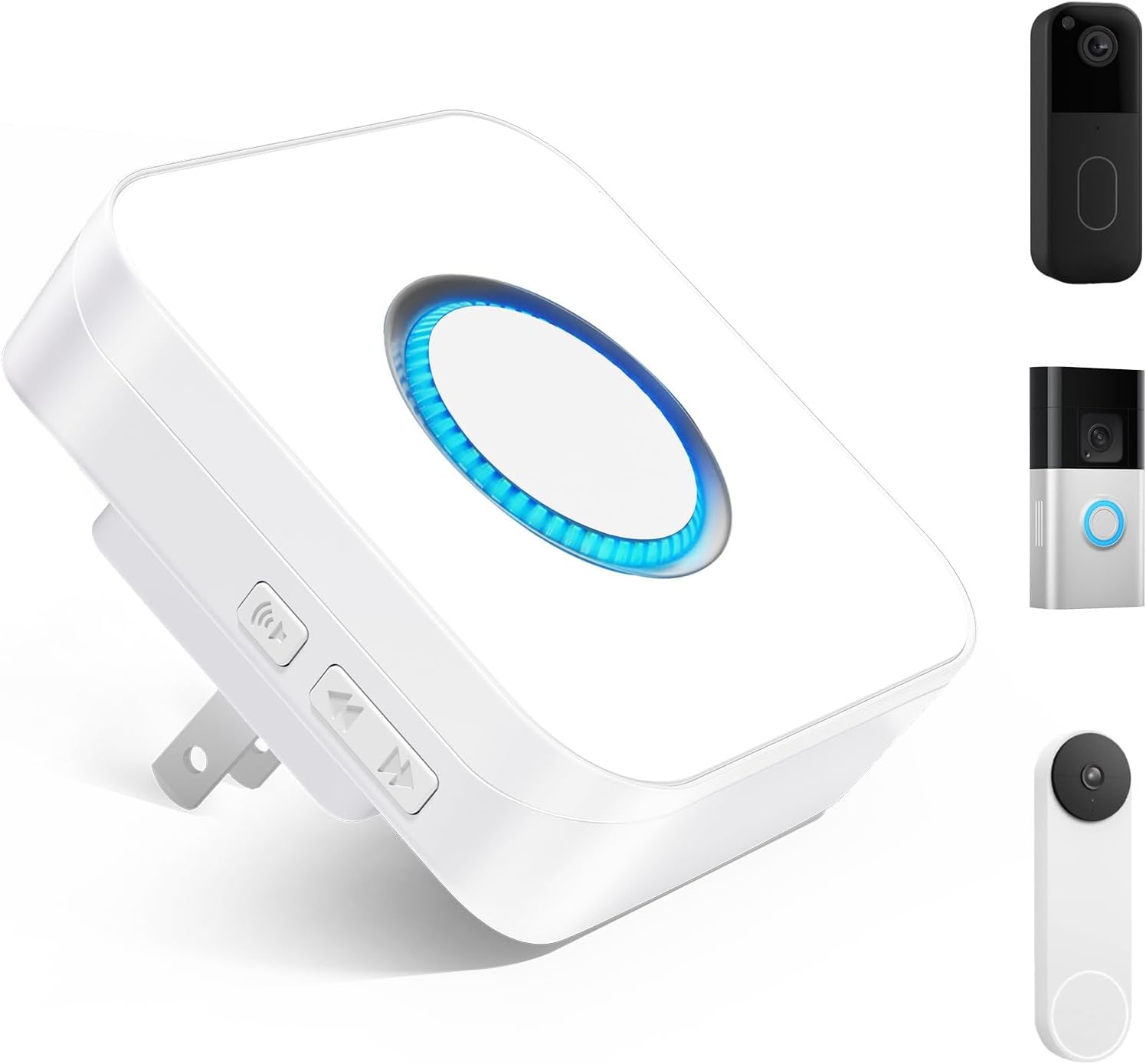
Our overall pick for best chimes for Nest doorbell is the Seektain 3 in 1 Wireless Doorbell Chime. It connects over Wi-Fi for whole-home coverage without distance limits and works with multiple doorbell brands, making it a flexible choice if your security setup changes later. Our top picks are just below.
Our Top Picks
Pros
- Plugs into outlets for setup in any room quickly.
- Supports multiple chime tones for quiet or busy periods.
- Connects to existing video doorbells without new hardware.
- Reaches distant rooms through home WiFi network.
Cons
- Depends on stable WiFi that can fail during outages.
- Basic pack includes only one unit for coverage.
- Requires app configuration before first use.
The Seektain chime extends alerts from compatible video doorbells across the home through simple outlet placement. It delivers audio and visual signals in areas far from the front door.
This setup works well for monitoring packages on the porch while busy in the kitchen or garage. Multiple chime selections allow adjustments for daytime activity or quieter evening hours.
The main trade-off is its reliance on a consistent WiFi signal that may drop in some homes. It also needs initial app pairing to link with your doorbell system.
I recommend this for homeowners who already use Ring Blink or Nest models and want basic whole-house reach without wiring changes.
Setup starts by plugging the unit into a standard wall outlet near a power source. No drilling or wiring is needed for basic function in apartments or rentals.
- Connect to home WiFi through the SmartLife app or compatible doorbell app.
- Position near the center of the house for better signal reach to all rooms.
- Test chime volume and LED flash after linking to confirm alerts work.
- Ensure the video doorbell is already installed and online before pairing.
Renters benefit from this non-permanent option compared to hardwired models that require wall modifications.

Pros
- Works without WiFi or apps for simple setup
- Reaches distant rooms like basements and attics
- Includes LED flash for silent visual alerts
- Fits inside existing chime box with basic wiring
Cons
- Pairing window lasts only five seconds
- Requires an existing hardwired chime box
- May need support for unusual home wiring
This chime extender lets your Nest doorbell reach indoor spaces where the original chime falls short. It turns a basic wired setup into alerts you can hear throughout the house without extra apps or connections.
The receiver plugs in anywhere and covers garages or upstairs areas during deliveries. The LED flash helps in quiet bedrooms or at night when volume stays low.
Pairing requires quick timing within seconds or the process restarts. Worth noting before buying: homes with nonstandard wiring may need extra checks for reliable function.
This product suits owners who want basic indoor alerts added to an existing Nest doorbell.
Place the plug-in receiver in central spots like hallways to reach most rooms. The signal covers up to typical home distances but weakens through thick walls or multiple floors.
- Test spots near bedrooms for overnight deliveries
- Keep the transmitter inside the chime box for best connection
- Use in apartments versus larger homes to check range limits
- Avoid outlets blocked by furniture that cut signal strength

Pros
- Plugs in for simple indoor placement anywhere
- Offers volume choices to match household needs
- Reaches distant rooms up to 650 feet away
- Pairs up to five receivers for whole-home coverage
Cons
- Works only with wired Nest doorbell models
- Needs separate power adapter for the transmitter
- Requires wiring the transmitter during setup
This chime adds reliable indoor alerts for your wired Nest doorbell without extra apps or phone checks.
It handles common situations like hearing deliveries at the front porch while in another part of the house or tracking when family members arrive home.
The main trade-off is the need for a compatible wired doorbell and a separate transformer that must be sourced elsewhere.
Homeowners with existing wired Nest doorbells who want basic audible notifications will find this useful.
Setup begins by wiring the transmitter directly to your existing doorbell and power source.
- Confirm your doorbell uses an 18-24VAC transformer before starting any new install.
- Wood-frame doors allow easier transmitter mounting than metal surfaces.
- Replacement setups work best when the original wiring already runs to the chime location.
- Apartment owners may need landlord approval for any permanent wiring changes.

Pros
- Plugs in and works right away with no wiring needed.
- Covers large homes and yards up to 1000 feet away.
- Button stays waterproof in rain and cold weather.
- Different chimes help tell front door from other entries.
Cons
- Supports only two buttons at most.
- Requires an outlet for the receiver to work.
- No camera to see who is at the door.
This wireless doorbell gives homeowners a straightforward way to know when someone arrives at the door without extra wiring or setup steps.
It works well for watching package deliveries on the porch or keeping track of kids coming home after school. The range reaches far enough to cover driveways and back entries on bigger lots.
Worth noting before buying that it supports only two buttons and needs a nearby outlet for the chime unit. The button holds up in rain but offers no way to see visitors.
I recommend it for basic alert needs in apartments or single-family homes where simple notification matters most.
The button stands up to rain and temperature swings from cold winters to hot summers in most U.S. climates.
- Place it on a wood or brick door frame where rain hits directly without pooling water.
- IP55 rating keeps the button working during storms that would damage lesser units.
- Avoid mounting on metal doors that could affect signal in heavy weather.
- Battery lasts up to three years even with outdoor exposure on a front porch.
This setup suits new installs on rental homes where weather exposure varies by season.
Pros
- Plugs into any standard outlet for simple placement.
- Pairs with existing Nest doorbell without added wiring.
- Supports multiple chimes assigned to different home zones.
- Offers volume control and mute options via app.
Cons
- Requires separate Smart Life app for initial pairing.
- Battery doorbells show a short delay before ringing.
- Depends on steady Wi-Fi connection to function.
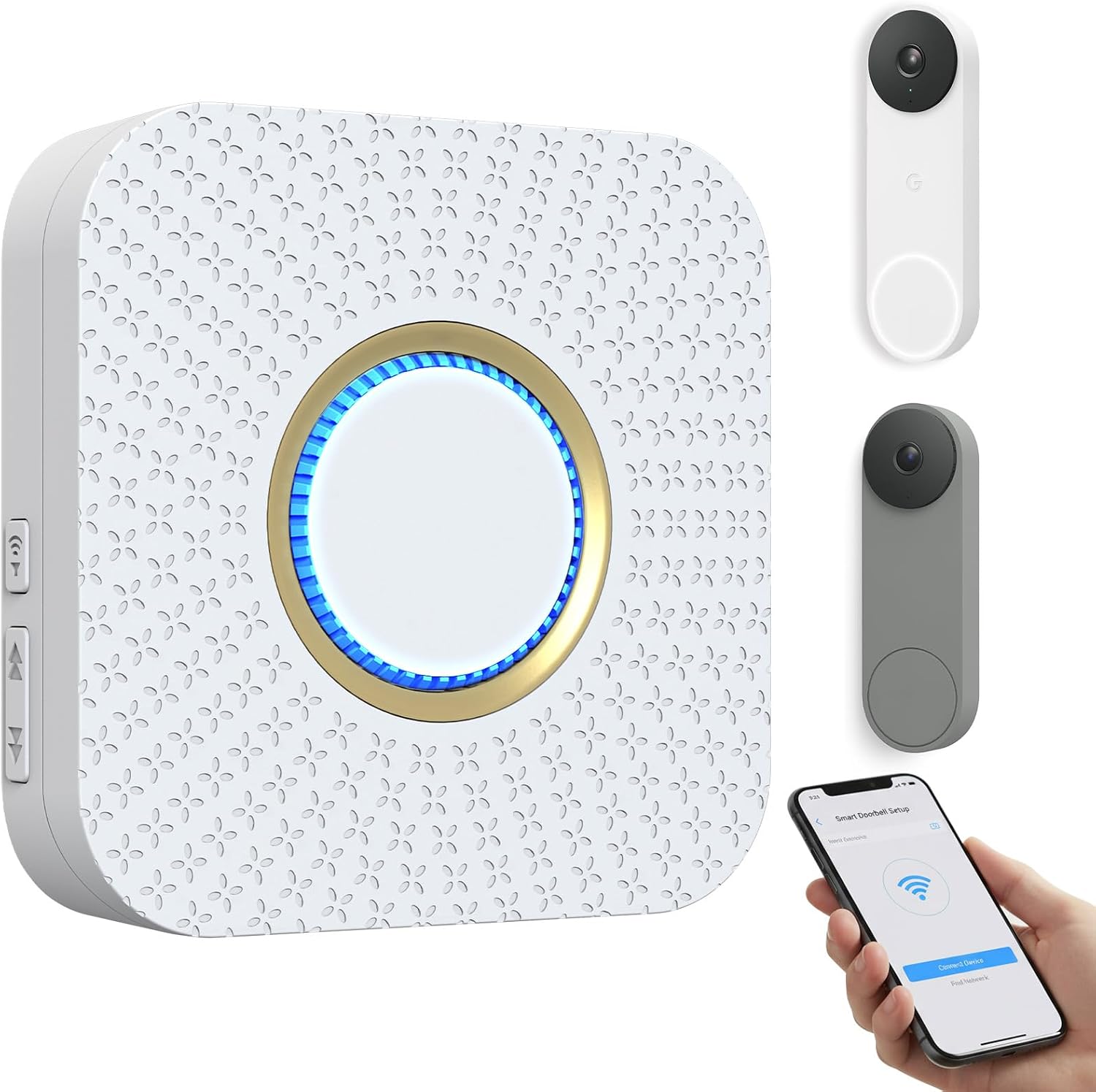
This chime extends alerts from a Nest doorbell into rooms where phones stay out of reach. It directly supports monitoring front doors and package arrivals in typical homes.
It proves useful when you are in the kitchen or garage and need to know about visitors without checking a device. Multiple units let you cover different floors so alerts reach family members spread out.
Worth noting before buying is the reliance on a steady Wi-Fi signal that may drop during outages. Battery models also introduce a brief pause before the chime sounds.
This product suits homeowners with multi-room houses who want basic audio notifications alongside their Nest doorbell.
Setup starts by plugging the unit into any wall outlet in the home. No wiring or batteries are involved so it works in apartments or older houses with limited outlets.
- Connect through the Smart Life app first then link to Google Home for routines.
- Choose locations like hallways or living areas to reach spots far from the door.
- Test placement in multi-story homes to confirm coverage reaches every floor.
- Skip any paid add-ons during setup since basic alerts need none.
Buying Guide for Best Chimes For Nest Doorbell
A good chime does one job well: it makes sure you hear your doorbell from anywhere inside. The right choice depends on how your home is laid out, which Nest model you have, and how much flexibility you want for other alerts. These are the practical details that separate a useful addition from just another plug-in device.
Connection type and reliable range
Wi-Fi chimes use your home network to trigger, so their range is effectively unlimited anywhere you have a signal. This is ideal for large or multi-story homes where a basement workshop or attic office is far from the front door. The alert happens in real time, with no lag from a wireless signal traveling through walls.
Traditional wireless chimes use a radio frequency signal, which is rated for a certain distance in open air. Walls, appliances, and other electronics can shorten that range. If you need a chime in a detached garage or a backyard shed beyond your Wi-Fi reach, a long-range RF model is the practical choice, as it operates independently of your internet router.
Compatibility with your specific Nest doorbell
Nest makes wired and battery-powered doorbells, and not all chimes work with both. Some models connect directly to the low-voltage wiring of a wired Nest doorbell, acting as a digital replacement for a traditional mechanical chime. Others are designed for the battery model and work over Wi-Fi.
Check the product description for explicit compatibility with your generation and power type. Using a chime made for a wired doorbell with a battery model will not work, and vice versa. This is the most common installation hurdle, so verifying this match first saves time and frustration.
Alert customization for different scenarios
Multiple chime tones let you distinguish a doorbell ring from other household sounds. Volume control is essential for tailoring alerts to a noisy kitchen or a quiet nursery at night. A visual LED flash adds a layer of notification for times when an audio alert is not practical.
Look for a model that offers a true mute mode with a visual signal only. This lets you silence the chime during a nap or meeting without turning off the notification entirely, so you still know someone is at the door. Compared to basic 2K security cameras that just record, a smart chime actively informs you of real-time activity.
Ease of setup and expandability
Plug-in chimes require no wiring and are the simplest option for most homes. If the chime connects to a wired Nest doorbell, the installation involves connecting a small transmitter module to your existing doorbell wires inside the chime box, which is straightforward if you are comfortable with basic electrical connections.
Consider whether you might want chimes in multiple rooms later. Some systems let you add many receivers to one doorbell, which is more cost-effective than buying separate complete kits for each area. This expandability is useful for ensuring coverage in a home office, garage, and bedroom from a single front door.
Once you know where you need to hear the doorbell and how your Nest is powered, the choice narrows to a few clear options. The goal is reliable coverage without complicating your existing smart home setup.
Why You Should Trust Us
Our recommendations are based on deep market research and analysis of manufacturer specifications, independent certifications, and aggregated performance data. We employ the SHU Score system, which evaluates products across standardized criteria for compatibility, reliability, and user-centric design, without relying on hands-on testing. This methodology ensures our assessments are grounded in verifiable information and designed to identify products that perform as promised in real home environments.
Final Thoughts
Choosing a chime comes down to reliable alerts where you need them most. The best option connects seamlessly with your specific Nest doorbell and delivers a clear notification, whether you are in a back room or have the TV volume turned up.
For most homes, our Editor’s Pick is the Seektain 3 in 1 Wireless Doorbell Chime. Its Wi-Fi connection provides whole-home coverage without distance limits, and its compatibility with multiple doorbell brands offers future flexibility if you switch or add other devices. It is a robust, set-and-forget solution.
The proven, most-popular choice is the SECRUI Wireless Doorbell. It uses a long-range wireless signal ideal for areas beyond Wi-Fi reach, like a detached garage or workshop, and its simple plug-and-play setup makes it accessible for anyone. For those integrating multiple security layers, pairing a reliable chime with a broader Smart Security system creates cohesive coverage.
The right chime removes the worry of missing a delivery or a visitor because you were not in earshot, making your video doorbell truly useful throughout your entire home.
FAQs
Can you add a chime to a battery-powered Nest doorbell?
Yes, but you need a chime designed specifically for the Nest Doorbell (Battery). These models typically connect via Wi-Fi through the Google Home app, not through physical wiring. They act as separate plug-in receivers that chime when the doorbell button is pressed.
Do you need a chime if your phone gets notifications?
A physical chime is useful when your phone is not on you, is silenced, or is out of battery. It ensures anyone in the home hears the doorbell, not just the person carrying the phone, which is important for families, busy households, or when you are working with your hands and cannot check a device.
Is it better to use a Wi-Fi or wireless RF chime?
Wi-Fi chimes are better for whole-home coverage where your network reaches, as they have no distance limitation. Wireless RF chimes are better for extending alerts to outbuildings beyond your Wi-Fi range, as they operate on a dedicated radio signal, though physical obstacles can reduce their effective distance.
How do you install a chime for a wired Nest doorbell?
Installation involves connecting a small transmitter module to the low-voltage wires inside your existing doorbell chime box, then plugging the receiver into a standard outlet. The process is straightforward if you are comfortable turning off power at the breaker and handling low-voltage wiring, but always follow the manufacturer’s guide.
What is the difference between a chime extender and a replacement chime?
A chime extender works alongside your existing mechanical chime, adding wireless receivers in other rooms. A replacement chime completely takes the place of your old wired chime, providing a modern digital sound. Extenders are simpler for adding coverage, while replacements are for upgrading an old or failing chime unit.



Write Your Review
No reviews yet. Be the first to share your experience!