

Realizing your lock is the only thing standing between your home and someone who already has your key is not a comfortable thought. Spare keys get copied, lent out, and forgotten and the moment you lose track of one, you have no idea who still has access to your front door.
Secure smart locks fix that gap by replacing physical keys with controlled digital access you can manage from your phone, revoke instantly, and log over time. We reviewed the top models for best secure smart locks on the market to find ones that pair serious security with real-world convenience.
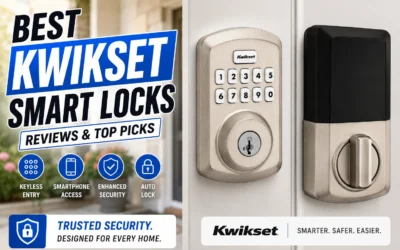
Our overall pick for best secure smart locks is the Kwikset Halo Select Smart Deadbolt. It gives you remote access and auto-unlock so you get keyless entry that works on your schedule without sacrificing the deadbolt security your front door needs. Check out our top picks below to find the right fit for your setup.
Our Top Picks
Pros
- Fingerprint unlocks work fast without keys.
- Door sensor shows status from any location.
- Auto lock activates after preset timer.
- Backup keys provide entry during outages.
Cons
- Needs steady WiFi signal near the door.
- Requires eight AA batteries for power.
- Fingerprint may fail with dirty or gloved hands.
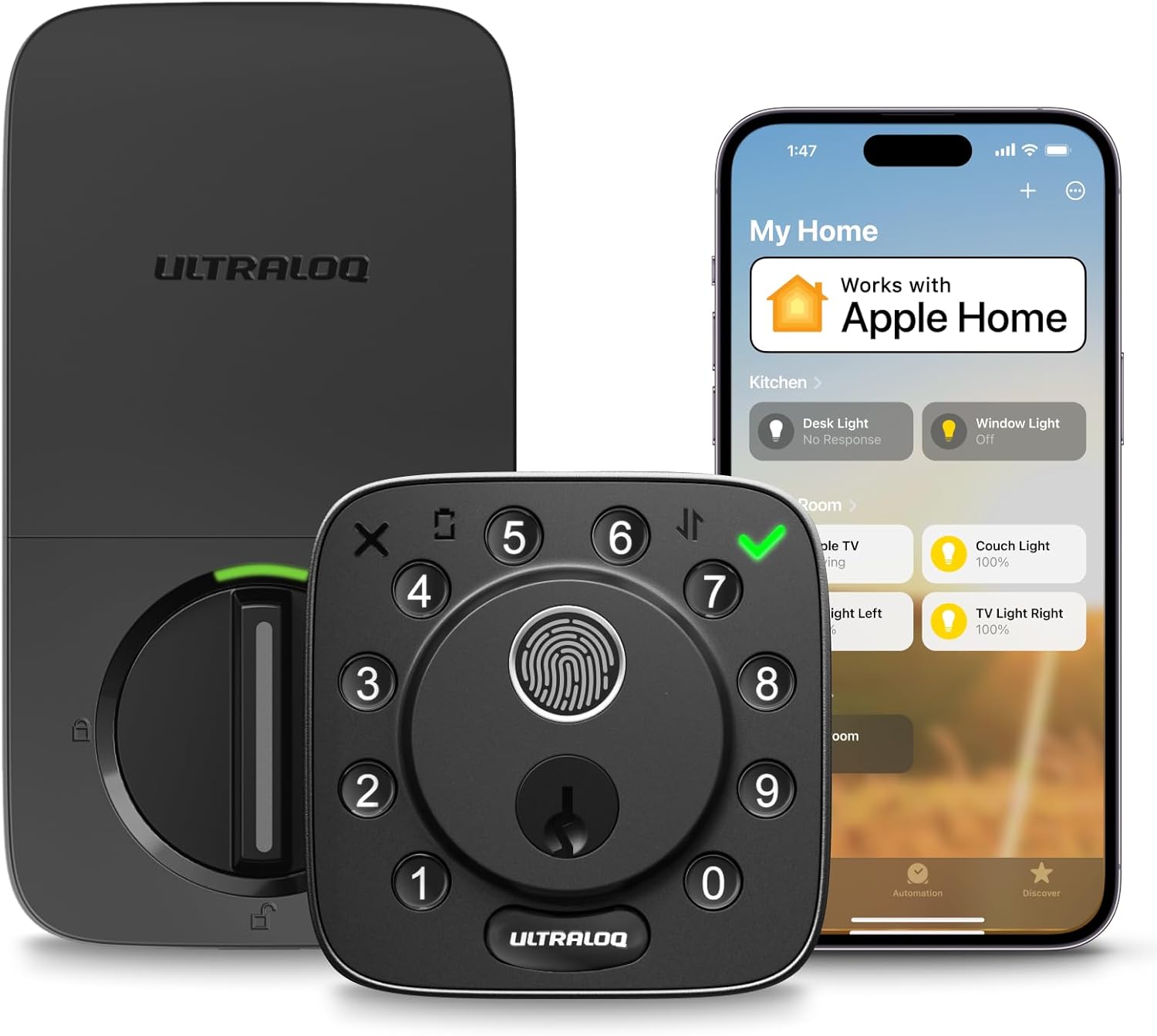
The ULTRALOQ Bolt Fingerprint Smart Lock gives reliable keyless entry suited for front doors in typical homes. It combines fingerprint access with app alerts to track who enters and when.
Remote monitoring helps with package deliveries by notifying you of door activity. The included sensor checks status while you are at work or running errands.
Worth noting before buying: the lock depends on a close router for consistent app control. Auto lock and unlock features reduce daily worries but add steps during setup.
This lock fits homeowners replacing existing deadbolts who want simple remote oversight without extra hubs.
Installation works best on standard deadbolt doors with a screwdriver swap. Check door thickness first since thick wood or metal frames may need extra hardware adjustments.
Measure your existing hole before purchase to avoid fit issues in rental apartments. New installs on fresh doors take more time than direct replacements.
- Align the sensor properly on the door edge for accurate status readings.
- Ensure the router stays within range for full app features after install.
- Test the fingerprint reader during setup to confirm placement.
- Use backup keys during the process in case of temporary lockout.

Pros
- Installs using only a screwdriver in minutes.
- Connects directly to Wi-Fi without extra hubs.
- Allows up to 250 codes for easy guest access.
- Sends real-time alerts for attempted intrusions.
Cons
- Needs reliable Wi-Fi signal near the door.
- Touchscreen requires regular cleaning to stay responsive.
- Costs more than standard mechanical deadbolts.
This deadbolt gives homeowners straightforward remote control over the front door without needing extra equipment. It handles daily needs like monitoring entries during package deliveries or ensuring the door stays secure when family members come and go.
Auto-unlock works well for hands-free entry after work, and instant alerts help track activity around the porch. The guest code system simplifies access for regular visitors like pet sitters.
Worth noting before buying, this lock depends on consistent Wi-Fi near the entry point, which may require a signal booster in some homes. Door status checks and intrusion detection add useful oversight but only function when connected.
I see this suiting households already using smart assistants who want simple keyless entry on a standard door.
Replacing an existing deadbolt takes the least effort since the new unit fits standard door cutouts. Measure your current hole spacing first to confirm compatibility on wood or metal doors.
- Wood-frame doors need solid strike plate screws into the frame for best hold.
- Apartment renters should verify landlord rules before drilling any holes.
- New installs require precise drilling to avoid weakening the door edge.
- Wi-Fi signal testing at the door location prevents later connection issues.
- Keep a backup key handy during the switchover process.
Always follow the app visuals step by step for the wiring and alignment.

Pros
- Fits entirely inside the door to maintain a standard look on both sides of the entry
- Detects open doors without extra magnets or parts stuck to the frame
- Installs with basic tools on most common U.S. doors in under an hour
- Supports multiple unlock methods including phones and fobs for flexible household use
Cons
- Remote features need an extra hub or bridge that adds cost and setup steps
- Only works on doors between 1.75 and 2 inches thick
- Full smart home connections depend on compatible Thread routers already in the home
The Level Lock Pro fits inside a standard door to secure the main entry without changing its appearance. Homeowners gain the ability to check and control the front door from anywhere when paired with a compatible hub.
This setup works well for monitoring deliveries left on the porch by confirming the door stays locked after carriers arrive. Families can grant temporary access to caregivers or kids returning from school without physical keys.
Door status alerts help confirm the entry is secure at night before bed. The design supports everyday use on front and side doors while avoiding bulky add-ons that stand out.
Overall it provides reliable physical locking for typical home situations with straightforward phone control when the network is set up.
This lock replaces an existing deadbolt on doors 1.75 to 2 inches thick using only a screwdriver.
- Measure the current deadbolt hole spacing before purchase to confirm fit.
- Standard strike plates are included while longer versions require a separate purchase.
- No wiring or drilling is needed so renters can install and remove it without wall changes.
Basic lock and unlock works over Bluetooth when near the door.
- Full remote access needs a Matter hub or separate Wi-Fi bridge for control from anywhere.
- Activity logs show door use to track when family members come and go.
- Guest access can be shared through the app for temporary visitors without extra hardware.
Pros
- No extra hub needed for direct phone control.
- Multiple unlock options reduce reliance on physical keys.
- Includes matching handle for full front door replacement.
- Auto-lock timer prevents leaving the door unsecured.
Cons
- Requires eight AA batteries that are not included.
- Door thickness must match 1-3/8 to 1-3/4 inches.
- Voice features need separate Alexa or Google devices.
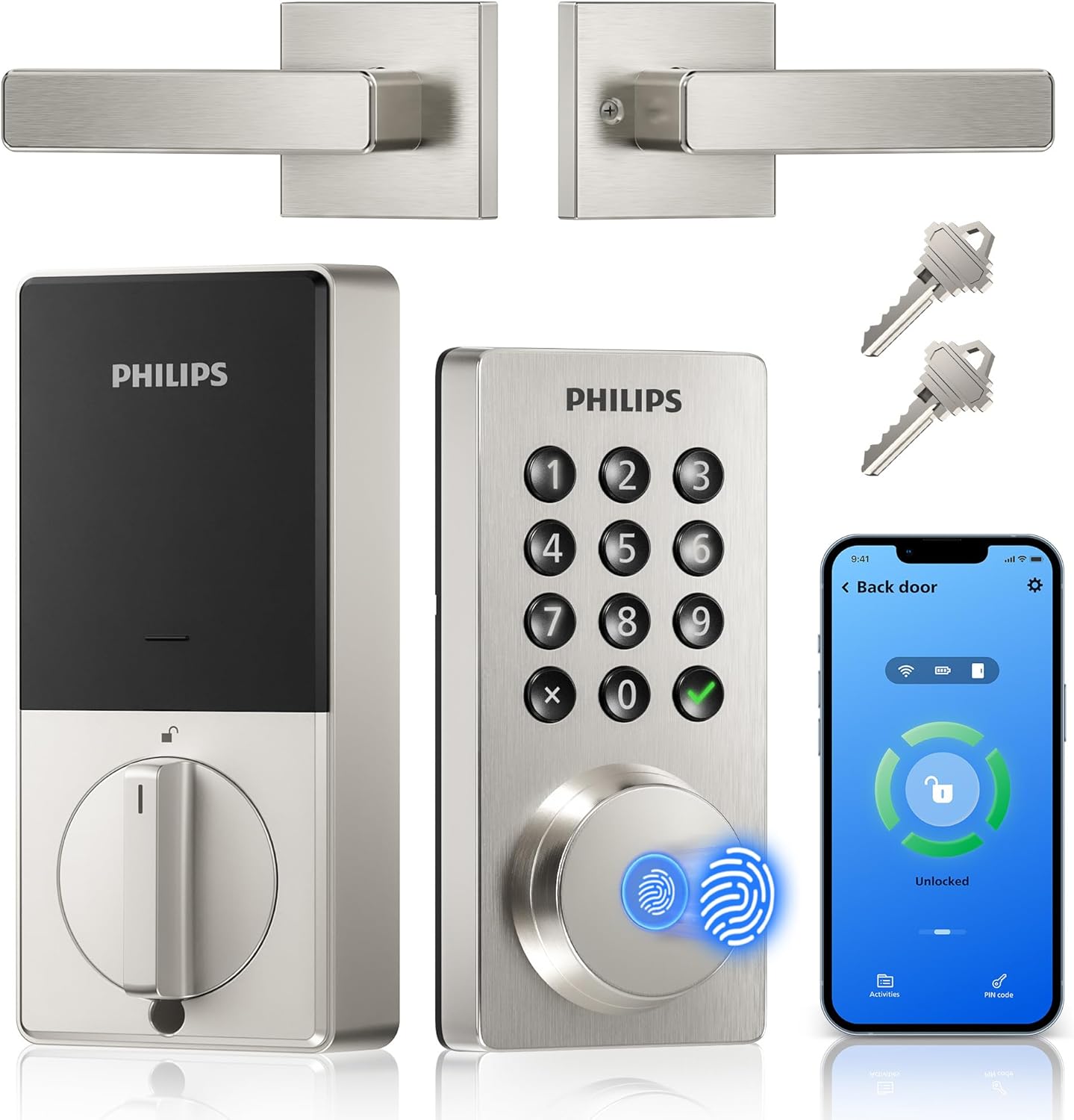
This Philips WiFi keypad lock gives homeowners reliable remote access to the front door through a simple app connection.
It supports quick fingerprint entry for family returns and allows temporary codes for visitors during deliveries or service calls. The auto-lock option helps secure the house after everyone leaves without extra effort.
The main trade-off here is the need for regular battery changes to maintain operation at all times.
This product suits households that want straightforward keyless entry without complex add-ons.
Measure your door thickness first since this lock fits only 1-3/8 to 1-3/4 inch doors. Replacement installs work best on standard wood or metal front doors with existing deadbolt holes.
New installs may need extra drilling for the handle set. I advise watching the provided video before starting because alignment affects smooth operation.
- Use a screwdriver only and avoid power tools that could damage the frame.
- Test the latch direction during setup to match your door swing.
- Install on a flat surface to ensure the keypad sits evenly.
- Check battery compartment access after mounting for future changes.

Pros
- Multiple entry methods make daily use simple for different household members
- Single unit replaces separate lock, doorbell, and camera hardware
- Battery power supports months of operation before recharging
- App allows remote checks on door activity without extra equipment
Cons
- Advanced motion alerts require a paid subscription
- Face recognition feature is unavailable in certain states
- May need door modifications if the existing setup is nonstandard
This unit fits on the front door to handle both access and monitoring in one piece. Homeowners can check the porch area for deliveries or visitors without stepping outside or installing multiple devices.
Face access and fingerprint options let family members enter hands-free during routine arrivals. The camera provides clear views day or night, helping track who approaches the entrance while away from home.
Automatic locking activates after entry to maintain security on the main door. The system works with the myQ app to send alerts and allow remote lock control for everyday situations like pet care or service visits.
Overall the design supports consistent monitoring of the front area and simple management of who can enter, reducing the need for separate gadgets around the property.
This lock replaces an existing deadbolt on most standard doors using basic tools included in the box.
- Measure the current door thickness and backset to confirm fit before purchase.
- Battery removal is straightforward for periodic charging without full disassembly.
- Weather sealing is built in, but test alignment on the door frame after mounting.
The myQ app handles remote lock commands and live door views from a phone.
- Set up PIN codes for temporary visitors like repair workers.
- Receive motion notices tied to the front entrance area.
- Link with other myQ products such as garage controls in the same interface.
Pros
- Enables app-based remote locking from any location
- Provides instant alerts on door activity without extra hubs
- Supports quick fingerprint entry after initial setup
- Fits standard door thicknesses with basic tools
Cons
- Requires pre-purchase door compatibility checks
- Not suitable for storm doors or round latch holes
- Battery life varies with frequent remote use
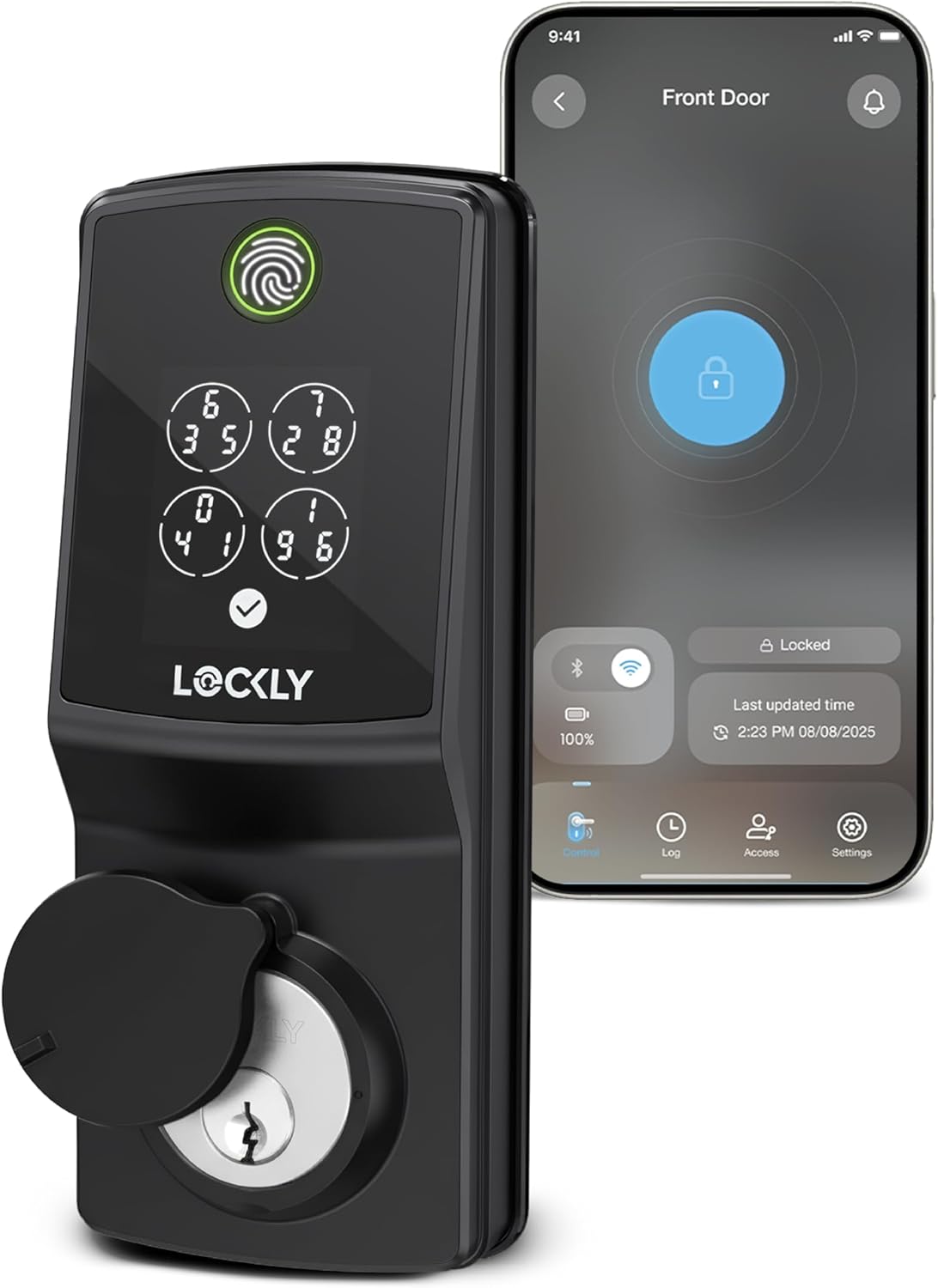
This smart deadbolt delivers reliable remote access for standard front doors in everyday homes. It supports app notifications and multiple entry methods suited to daily routines like monitoring deliveries or family movements.
Real-time alerts help track who enters during the day while away at work. The keypad and fingerprint options reduce the need for physical keys in homes with kids or frequent visitors.
Worth noting before buying is the strict door thickness and swing requirements that exclude some installations like storm doors. Replacement on compatible wood-frame doors works best.
It suits homeowners seeking straightforward app control on standard entries without added hubs.
Confirm door thickness between 1 3/8 and 2 inches before starting. Measure swing direction on the existing deadbolt for proper fit on wood-frame homes.
- Replace an old deadbolt in about 30 minutes using basic screwdrivers on standard doors.
- New installs require drilling a clean hole for the latch in apartment or rental settings.
- Avoid round latch holes common in older properties to prevent misalignment.
- Wi-Fi connection works directly after mounting without additional hardware in most single-family homes.
Buying Guide for Best Secure Smart Locks
Choosing a secure smart lock means thinking about more than how it looks on the door. The lock needs to hold up physically, integrate with how you actually come and go, and give you real control over who can enter. Here are the key things worth checking before you buy.
Deadbolt Grade and Build
A smart lock that runs on weak hardware is a false sense of security. The motor and app features get all the attention, but the bolt grade and door strike are what actually resist a forced entry attempt.
Look for locks rated ANSI Grade 1 or Grade 2, with a solid metal body. A keypad smart lock or app-controlled deadbolt built to Grade 1 gives you the strongest combination of physical and digital protection.
Remote Access and Control
The ability to lock and unlock from anywhere is one of the main reasons to go smart, but not every lock does this without extra hardware. Some require a hub or subscription before remote access works.
Check whether Wi-Fi is built in or if you need a separate bridge. Locks designed around Alexa control are a practical option if you already have an Echo device running your home.
Access Sharing and Permissions
Giving a dog walker or contractor a key you can revoke later is one of the most practical things a smart lock can do. Without that, you are back to cutting physical keys and hoping to get them back.
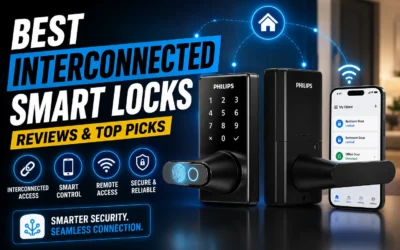
Look for a lock that lets you create time-limited or scheduled codes. If your household uses multiple smart devices together, interconnected smart locks can tie front and interior doors into one access system.
Battery Life and Alerts
A lock that dies quietly on a Friday night creates a genuine problem. Some smart locks drain faster in cold weather or when Wi-Fi polling runs constantly in the background.
Check the rated battery life and whether the lock sends a low-battery alert before it fails. Those who want to go as long as possible between swaps should look at options built for extended battery life.
Smart Home Compatibility
A secure smart lock works best when it fits into the system you already have, not when it forces you to download yet another separate app. Compatibility gaps are the most common source of setup frustration.
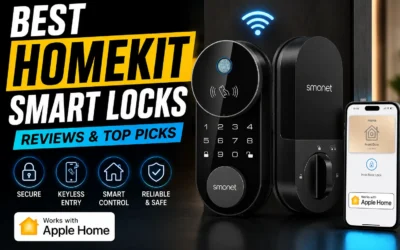
Confirm the lock works with your existing platform before buying. If you run Apple devices throughout your home, HomeKit-compatible smart locks give you native control from the Home app without any workarounds.
Once you know which of these factors matters most for your door and daily routine, the right lock tends to narrow itself down. Match the features to how your household actually moves and the choice gets much simpler.g the lock with other elements from Smart Security can strengthen overall entry points.
Why You Should Trust Us
Our team assigns each product an SHU Score based on aggregated manufacturer specifications, independent certification data from organizations like ANSI and BHMA, and cross-checked details on usability features. This approach stays grounded in documented product information rather than individual testing claims.
We prioritize objective factors such as battery duration, access method variety, and installation requirements that directly affect daily homeowner routines.
Final Thoughts
At the end of the day, the best secure smart lock is the one that fits your specific setup. If remote control and easy app management are the priority, most options here will meet that bar. Where they start to differ is in how well they hold up to repeated use and what happens when your phone is dead.
The Kwikset Halo Select Smart Deadbolt suits anyone who wants reliable keyless control without a complicated setup. Auto-unlock and remote access come built in, so once it is on your door you get the security of a solid deadbolt and the convenience of never fishing for keys again.
FAQs
Do secure smart locks require a hub for remote access?
Many secure smart locks connect directly to Wi-Fi without a hub when the model includes built-in connectivity. This works on standard home networks within about seventy feet of the router. Direct connection reduces points of failure for users who want app control from work or travel.
Can you add temporary codes for guests on these locks?
Most secure smart locks allow creation of one-time or scheduled codes through the companion app. This feature helps when service workers need entry for a single visit. Confirm the maximum number of active codes the chosen model supports before relying on frequent sharing.
How do fingerprint sensors perform on household doors?
Fingerprint sensors on secure smart locks read in under one second on compatible units once enrolled. Accuracy improves with repeated use across multiple family members. Keep the sensor clean and dry for consistent results on exterior doors exposed to weather.
Is Matter support necessary for new smart lock purchases?
Matter support on secure smart locks enables future compatibility with a wider range of hubs and platforms. It is optional today but useful if you plan to expand your smart home later. Models without Matter still function fully with their own apps and common voice assistants.
What door thickness works with most secure smart locks?
Standard secure smart locks fit doors between one and three eighths inches and one and three quarter inches thick. Measure your door before ordering to avoid fit issues. Some units list specific swing direction requirements that affect left or right handing.

Write Your Review
No reviews yet. Be the first to share your experience!